CMORE 3D Remote App1.1.4036
Publisher Description
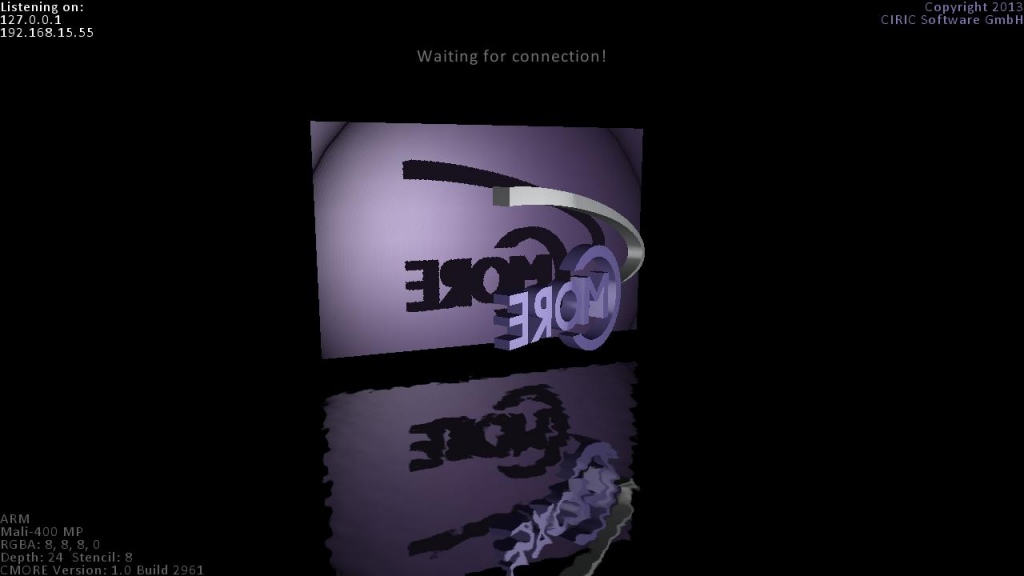
CMORE Remote App is a software application that makes your Android device act as a player for content created by CMORE 3D Editor.
This is useful for rapid development and project optimization when you don't want to compile and deploy your project to an Android device for each change and prefer to view your scenes directly on the device from inside the CMORE 3D Editor instead.
CMORE 3D Remote App is copyright (C) 2013 CIRIC Software GmbH. All rights reserved. CIRIC, the CIRIC logo, the CIRIC „C“, the CIRIC curve and combinations thereof are trademarks of CIRIC Software GmbH.
The following libraries are used by CMORE 3D Remote Server and are copyright of the respective owner. The exact license agreements are listed below.
Imprint:
CIRIC Software GmbH
Postal Address:
August-Böhm-Straße 10
Germany - 86529 Schrobenhausen
Licenses:
LibJPEG: https://github.com/dacap/aseprite/blob/master/docs/licenses/libjpeg-LICENSE.txt
LibPNG: http://www.libpng.org/pub/png/src/libpng-LICENSE.txt
zLib: http://de.wikipedia.org/wiki/Zlib-Lizenz
LibTiff: http://www.epsiia.com/licenses/libtiff.html
DevIL: http://openil.sourceforge.net/license.php
Freetype: http://git.savannah.gnu.org/cgit/freetype/freetype2.git/tree/docs/FTL.TXT
Lua: http://www.lua.org/license.html
PugiXML: http://pugixml.googlecode.com/svn/tags/latest/docs/manual.html#manual.overview.license
About CMORE 3D Remote App
The company that develops CMORE 3D Remote App is CIRIC Software GmbH. The latest version released by its developer is 1.1.4036.
To install CMORE 3D Remote App on your Android device, just click the green Continue To App button above to start the installation process. The app is listed on our website since 2013-10-24 and was downloaded 11 times. We have already checked if the download link is safe, however for your own protection we recommend that you scan the downloaded app with your antivirus. Your antivirus may detect the CMORE 3D Remote App as malware as malware if the download link to com.ciric.remote_server is broken.
How to install CMORE 3D Remote App on your Android device:
- Click on the Continue To App button on our website. This will redirect you to Google Play.
- Once the CMORE 3D Remote App is shown in the Google Play listing of your Android device, you can start its download and installation. Tap on the Install button located below the search bar and to the right of the app icon.
- A pop-up window with the permissions required by CMORE 3D Remote App will be shown. Click on Accept to continue the process.
- CMORE 3D Remote App will be downloaded onto your device, displaying a progress. Once the download completes, the installation will start and you'll get a notification after the installation is finished.
Program Details
System requirements
Download information
Pricing
Version History
version 1.1.4036
posted on 2013-10-24
- PostFX system support,- Various bug fixes
